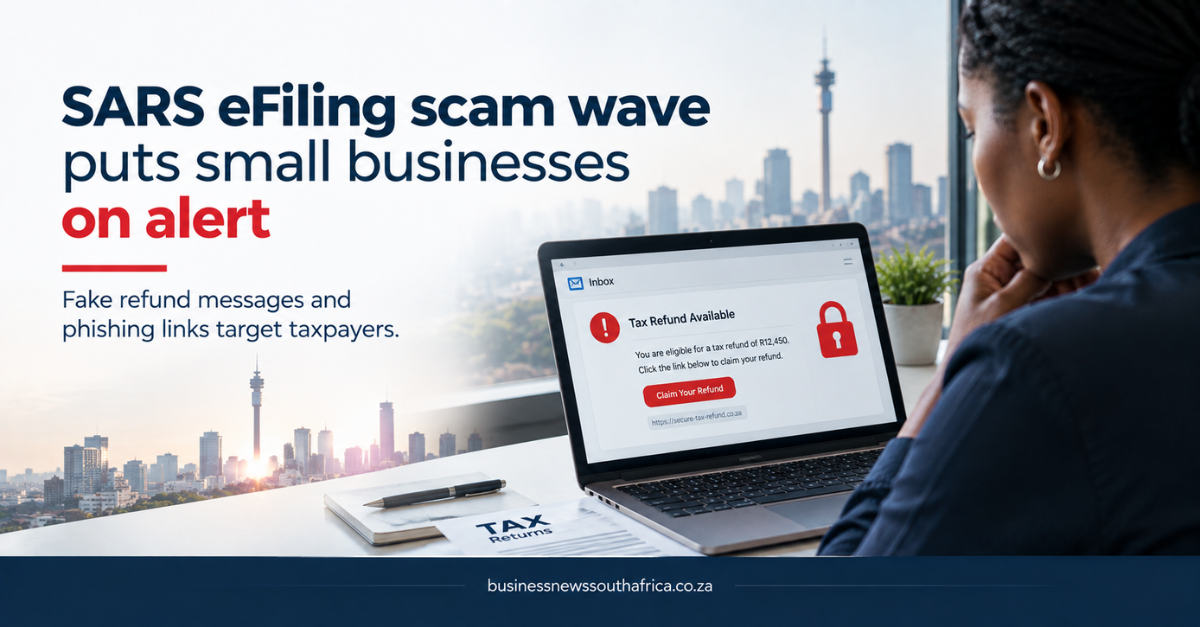
A small business owner in Johannesburg opened an email that looked exactly like a SARS eFiling notice, clicked a link and entered her tax reference. Within minutes the fraudsters had transferred R15 000 from her business account. That scenario, MyBroadband reported, is becoming all too common as scammers perfect the look of the South African Revenue Service’s online filing system.
According to MyBroadband, the scams are “hyper-realistic”, meaning the fake webpages replicate the colour scheme, logo and even the URL structure of the official SARS portal. Victims are typically asked to confirm their tax reference, upload supporting documents and, in some cases, authorise a payment to a “SARS-approved” account.
The claim that the fraud is on the rise is not yet backed by official statistics, but the pattern matches a broader trend of phishing attacks that have surged since the pandemic, when more businesses moved their tax affairs online. For an SME, the impact is immediate: loss of cash flow, potential penalties if the tax return is filed incorrectly, and the administrative burden of reporting the fraud to the police and the tax authority.
What makes the scam believable?
The fake pages use the same secure-socket-layer (SSL) certificate indicator that browsers show for genuine sites, and the email headers often appear to come from a @sars.gov.za address. Scammers also reference recent SARS communications, such as the reminder to file returns before the 30 November deadline, to add urgency.
Because the eFiling system is a mandatory channel for most businesses, many owners are accustomed to receiving official-looking emails from SARS. That familiarity lowers the guard of even seasoned entrepreneurs.
How SMEs can protect themselves
First, verify the URL. The genuine portal always begins with https://www.sars.gov.za/efiling. Any deviation, for example, https://sars-efiling.co.za, is a red flag. Second, avoid clicking links in unsolicited emails; instead, navigate to the portal directly via a bookmarked address or by typing the URL.
Third, remember that SARS never asks for payment to a private bank account. If a message requests a transfer, treat it as suspicious and contact the tax authority through its official helpline. Finally, consider using the compliance document generator to keep a record of all tax communications, making it easier to spot anomalies.
Businesses that suspect they have been targeted should report the incident to the South African Police Service’s cybercrime unit and to SARS’s fraud hotline. Prompt reporting can limit financial loss and help authorities track the fraud network.
While the scams are sophisticated, the defence rests on simple habits: double-check URLs, never share credentials over email, and keep a written log of all tax-related correspondence. For SMEs operating on thin margins, a single fraudulent transaction can be the difference between staying afloat and closing doors.
For more on how to safeguard your business against cyber fraud, see our Markets & Finance coverage.
SARS has repeatedly warned that its own communications never request banking details, passwords or one-time PINs via SMS or email, and that any message asking a taxpayer to click a link to verify a refund or update banking details outside of the official eFiling platform or SARS MobiApp should be treated as fraudulent by default. Small businesses are a particular target for this kind of scam because a single compromised eFiling login can expose not just the business’s own tax position but also VAT and PAYE data covering its employees and suppliers, information valuable enough to justify a scammer’s effort in building a convincing fake SARS communication. SARS’ own phishing and scam alert page lists current known scam formats and how to report one. For related coverage, see this site’s Regulatory and Policy coverage.